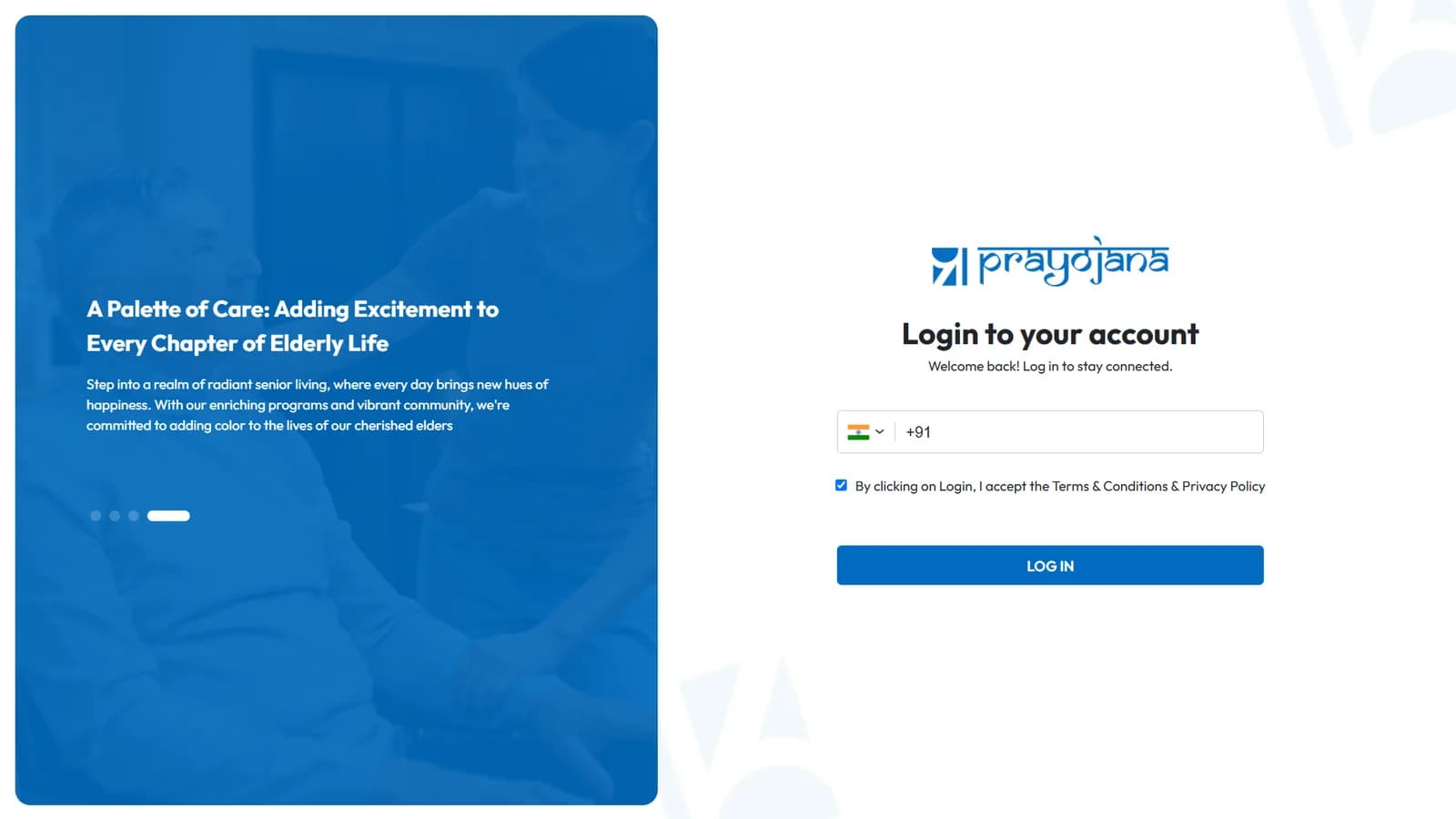
An integrated senior-care platform across six roles, organised around the household.
ENGAGED
Since 2025
ROLE
Build partner
CITIES
Chennai · Bengaluru · Hyderabad · Trivandrum
Sign-in surface — the same account routes to six role-specific product experiences.
01 / THE BRIEF
━━━━
Prayojana's directors engaged BITS as a build partner, not a vendor delivering against a fixed spec.
The customer is the adult child of an aging parent; the service is delivered to the parent in-home by a Care Buddy attendant. The brief required BITS to learn the business model end-to-end and participate in product decisions as the model evolved.
The platform's primary organising unit is the household, not the individual. One home, one or two elders, one paying family, an assigned Care Buddy, a supervising Captain, and a clinical team on call. A sponsor with two parents in different cities holds two households under a single login.
02 / SIX ROLES, ONE HOUSEHOLD
Six different views of the same data.
The technical challenge wasn't any single screen. It was keeping six views consistent against the same underlying events. (Prayojana uses “Member” as the internal term for the parent receiving care.)
USER
Member
The elder in care. Holds the mobile app and the single-tap emergency trigger.
USER
Family
The adult child. Pays for the service, sees every visit notification, controls who else can access what.
OPS
Care Buddy
The attendant in the home. Needs a tool that works one-handed on patchy data; first responder when the emergency tap fires.
OPS
Captain
Supervises Care Buddy performance across a region. Second on the emergency chain.
CLINICAL
Healthcare team
Clinical staff on rotation. Third on the emergency chain, and the trend / escalation view across every Member.
ADMIN
Chennai office
Scheduling, quality, coordination across every visit, every household, every city.
03 / WHAT WE BUILT
One integrated platform. Four surfaces. Seven capabilities.
All four surfaces share one data layer. The Care Buddy app is designed for phone use during a visit. The Family view is designed for ad-hoc check-ins, not continuous monitoring. The admin panel is desktop-first for the Chennai office. The clinical view is shaped for escalation handling and trend review.
01
Single-tap emergency, three responders simultaneously.
On the Member's app, a single tap captures high-accuracy GPS, reverse-geocodes it to a readable address, and notifies the nearest Care Buddy, the supervising Captain, and the clinical team on rotation — at the same time, not sequentially. The alert displays full-screen and wakes the responder's phone over the lock screen. A home-screen widget triggers it without unlocking the phone first.
02
Family permissions, set from anywhere in the world.
The Family app shows every visit in real time. The paying family member also controls who else can see what: medical records, the emergency-contact list, sensitive personal information. Care delivery happens in the elder's home; permission management happens from wherever the family is.
03
Family ↔ care team chat, in the same place as the visit log.
Typed messages, photos, voice notes, read receipts, typing indicators. The conversation about a visit lives in the same place as the visit record. Families aren't bounced into a separate WhatsApp channel that gets lost.
04
Per-elder medical record.
Doctors, prescriptions, hospitalizations, lab reports, insurance, local clinic, local pharmacy. The six roles see different views of the same medical thread. Family, Care Buddy, Captain and clinical team are working from one source of truth.
05
Mood + vitals compound into a trend the clinical team can read.
Daily mood check-ins from the Member, vitals captured by the Care Buddy on each visit — these compound into a per-elder baseline within weeks. The clinical view surfaces drift and exceptions across the elders they cover, instead of presenting raw records.
06
City-priced subscriptions, renewed end-to-end.
Plans are priced per city — Trivandrum and Bengaluru sit at different price points. Renewals are handled end-to-end: online payment collection, invoice generation, push and email reminders on cadence. The care team doesn't chase renewals manually.
07
The funnel and the operation live in one system.
Before sign-up, a prospective family browses plans, takes a short self-assessment about an aging parent — memory, health, daily routine, readiness — and submits contact details. The lead is captured in the same system the care team eventually serves on, with full attribution.
04 / A YEAR WITH A BOARD
━━━━
The engagement runs against a board of directors rather than a single founder. Decisions go through structured meetings rather than ad-hoc messages.
To support that, BITS shifted to weekly written summaries instead of long calls. Each director reads the summary on their own time and replies asynchronously. The same written-update practice is now standard across BITS' other client engagements.
05 / WHERE IT STANDS
Four cities. Mobile live. Ongoing.
OPERATING
4 cities
Chennai, Bengaluru, Hyderabad, Trivandrum.
MOBILE
iOS + Android
Apps for Members and Families recently live in both stores.
ENGAGEMENT
Ongoing
Active development with the board. New capabilities in flight.
✱ No outcome numbers (visits delivered, families served, expansion plans) are published here pending director clearance. The six role-specific product surfaces stay off the page by NDA — the sign-in above is the only screen shown.
TRY IT / ILLUSTRATIVE
The home screen is two buttons.
8:02 AM · TUESDAY
Good morning, Amma.
How are you feeling today?
ILLUSTRATIVE · NOT THE SHIPPING UI
Tap through it. One action, two taps, zero menus — the entire daily interaction a parent ever needs. Everything else lives behind a long press, where it can't be tapped by accident.
Behind the two buttons: an offline-first check-in that syncs when reception returns, and a WhatsApp message that fans out to the family the moment it lands. The anxious child gets a notification; the parent just tapped one button.
— A working sketch of the design decision in “01 · Designed for the parent first.” The real app ships with voice prompts and large-type accessibility baked in.